> ## Documentation Index
> Fetch the complete documentation index at: https://docs.trymeridian.com/llms.txt
> Use this file to discover all available pages before exploring further.
# Manage Organization
> Permanently delete your organization and all associated data.
Manage Organization contains destructive organization-level actions. This page is primarily used to **delete an organization**.
This is intended for cases like:
* you created a workspace by mistake,
* you are decommissioning a workspace,
* or you are cleaning up a test environment.
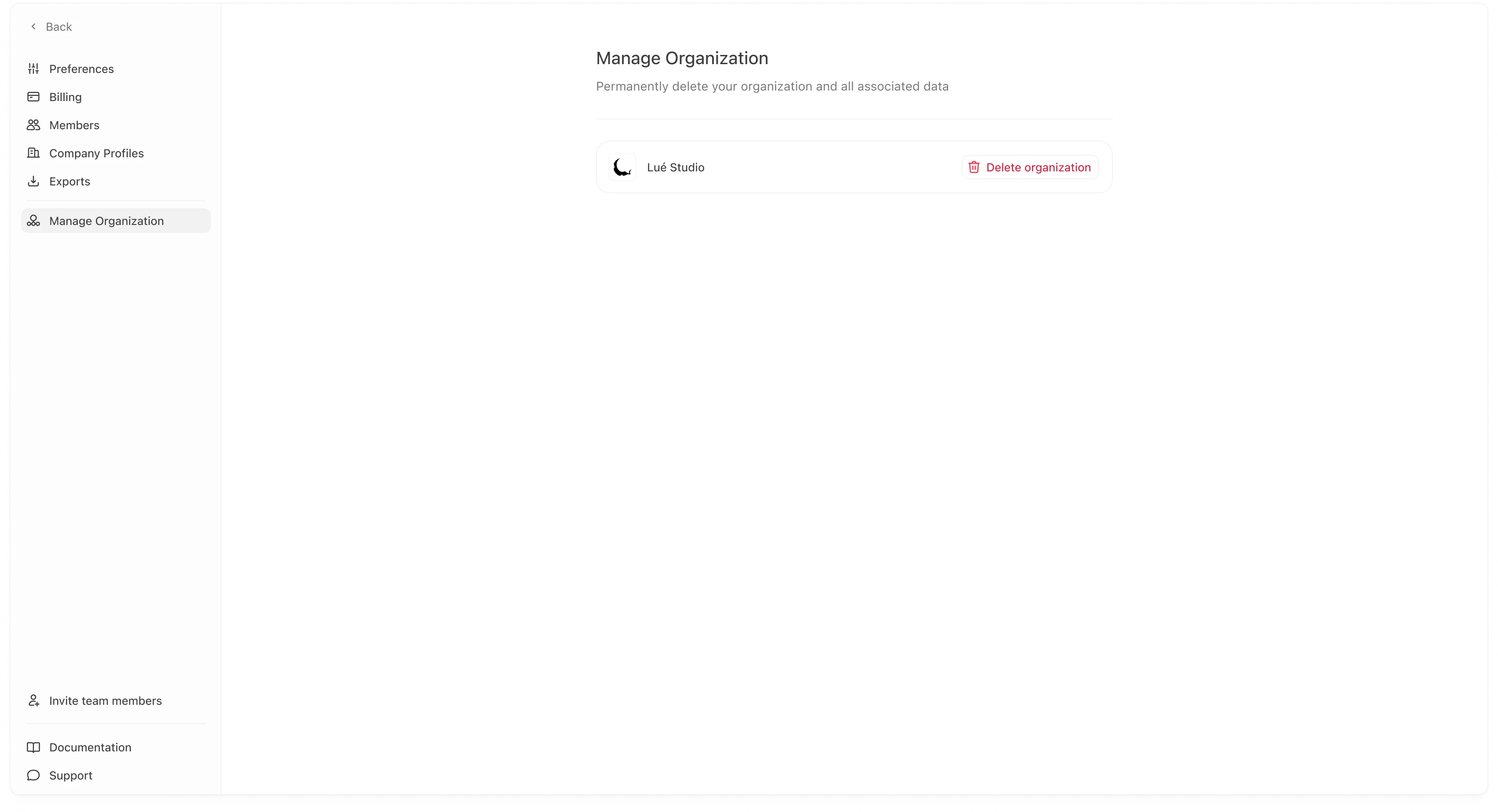 Deleting an organization is permanent. It removes the organization and associated data from Meridian servers. Only proceed if you are sure you no longer need the workspace.
## Delete organization
To delete an organization:
1. Go to **Settings → Manage Organization**.
2. Click **Delete organization**.
3. Confirm the action in the modal by typing the organization name (or the required confirmation text).
4. Click **Delete organization** to finalize.
Deleting an organization is permanent. It removes the organization and associated data from Meridian servers. Only proceed if you are sure you no longer need the workspace.
## Delete organization
To delete an organization:
1. Go to **Settings → Manage Organization**.
2. Click **Delete organization**.
3. Confirm the action in the modal by typing the organization name (or the required confirmation text).
4. Click **Delete organization** to finalize.
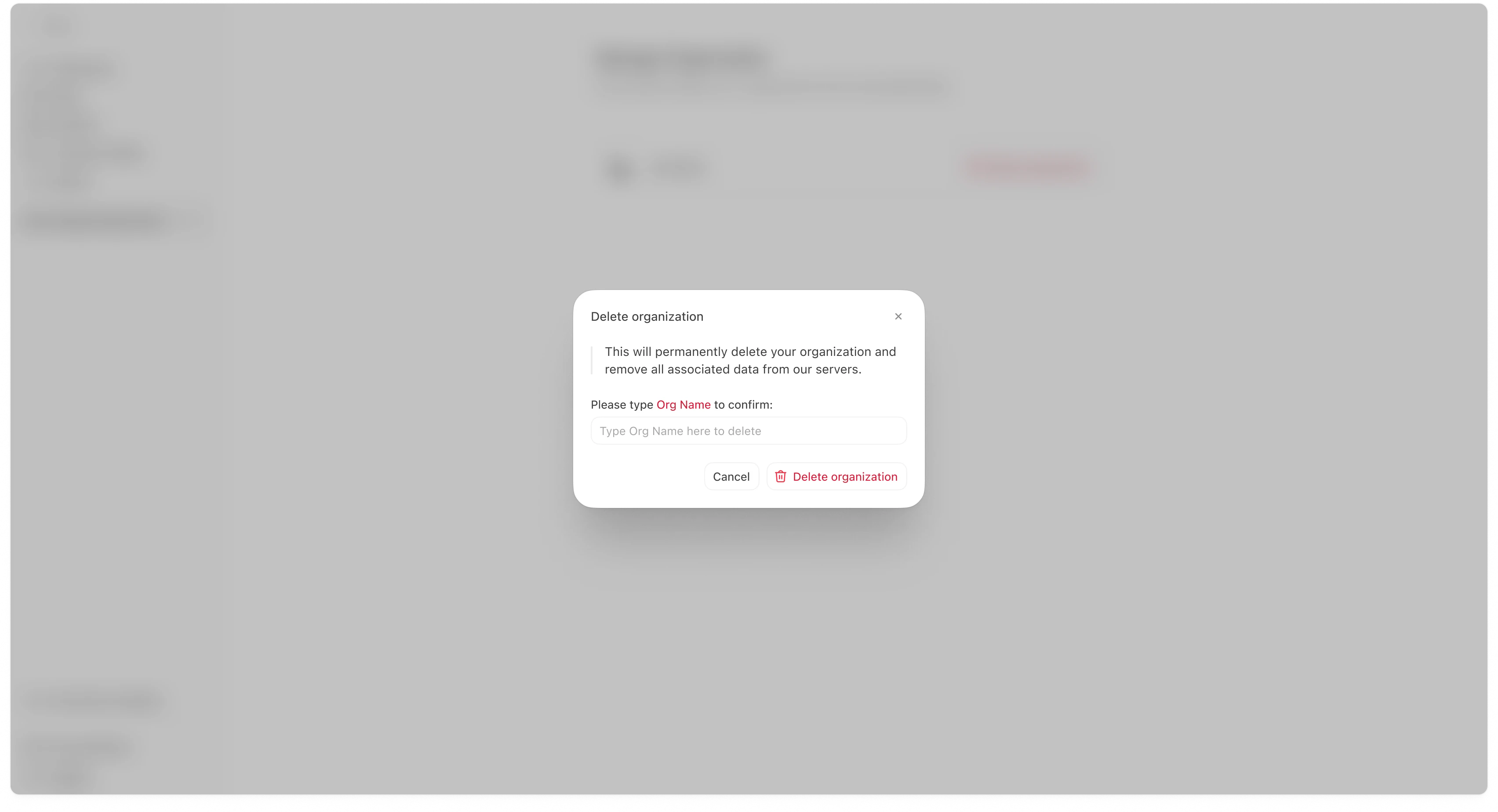 This confirmation step exists to prevent accidental deletion.
## Before you delete (recommended checklist)
Most teams do these checks first:
* Download any exports you want to keep (Settings → Exports).
* Confirm which company profiles are in the organization (Settings → Company Profiles).
* Confirm whether teammates still need access (Settings → Members).
* If you are migrating to a new org, confirm the new workspace is set up and working before deletion.
## Common questions
### “Who can delete an organization?”
This is typically restricted to Admins or the highest permission role in the workspace.
### “Can Meridian restore a deleted organization?”
Treat this as irreversible unless your contract/support agreement explicitly states otherwise.
This confirmation step exists to prevent accidental deletion.
## Before you delete (recommended checklist)
Most teams do these checks first:
* Download any exports you want to keep (Settings → Exports).
* Confirm which company profiles are in the organization (Settings → Company Profiles).
* Confirm whether teammates still need access (Settings → Members).
* If you are migrating to a new org, confirm the new workspace is set up and working before deletion.
## Common questions
### “Who can delete an organization?”
This is typically restricted to Admins or the highest permission role in the workspace.
### “Can Meridian restore a deleted organization?”
Treat this as irreversible unless your contract/support agreement explicitly states otherwise.