

What you can do here
View your current plan
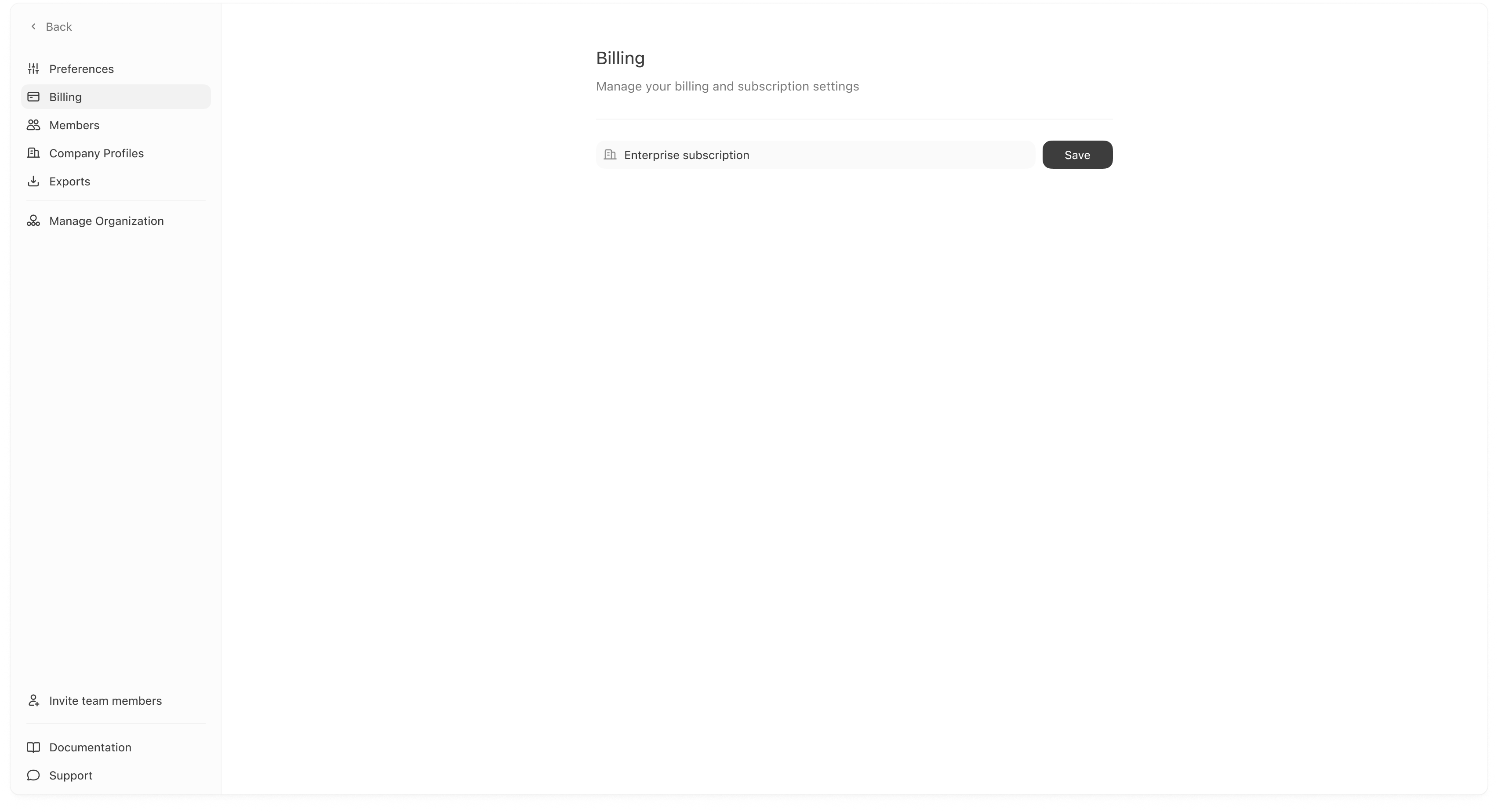
Billing shows your current subscription type (for example, Enterprise). This is useful for understanding:- what features are included,
- and what limits may apply (seats, articles, exports, etc., depending on your plan).
Update billing settings (when editable)
If the plan field is editable in your workspace, you can update it and click Save. If your billing is managed externally (common for Enterprise), you may see limited controls here and use Manage your subscription from Preferences instead.If you do not see the option you expect (or you cannot edit the plan), it is usually permission-based or plan-managed. Ask a Superadmin, or contact support.