

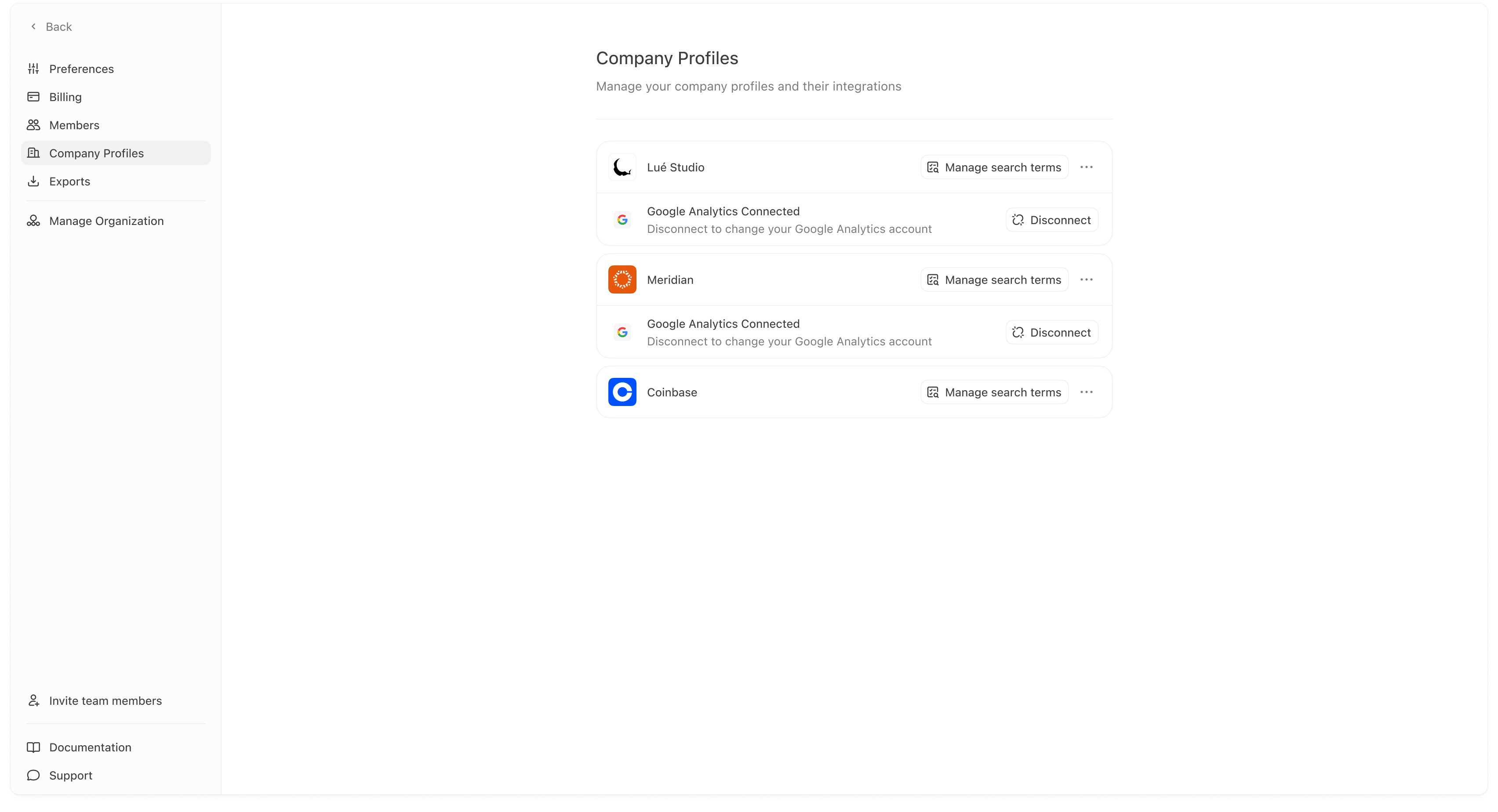
- you want to connect or disconnect integrations for a specific profile,
- you want to update how a profile is named in the dashboard,
- or you want to tune mention detection using search terms (brand name variants, product names, etc.).
What you can do here
Rename a company profile
Use the profile’s menu (often “…”), then choose edit/rename. You’ll see an edit modal like: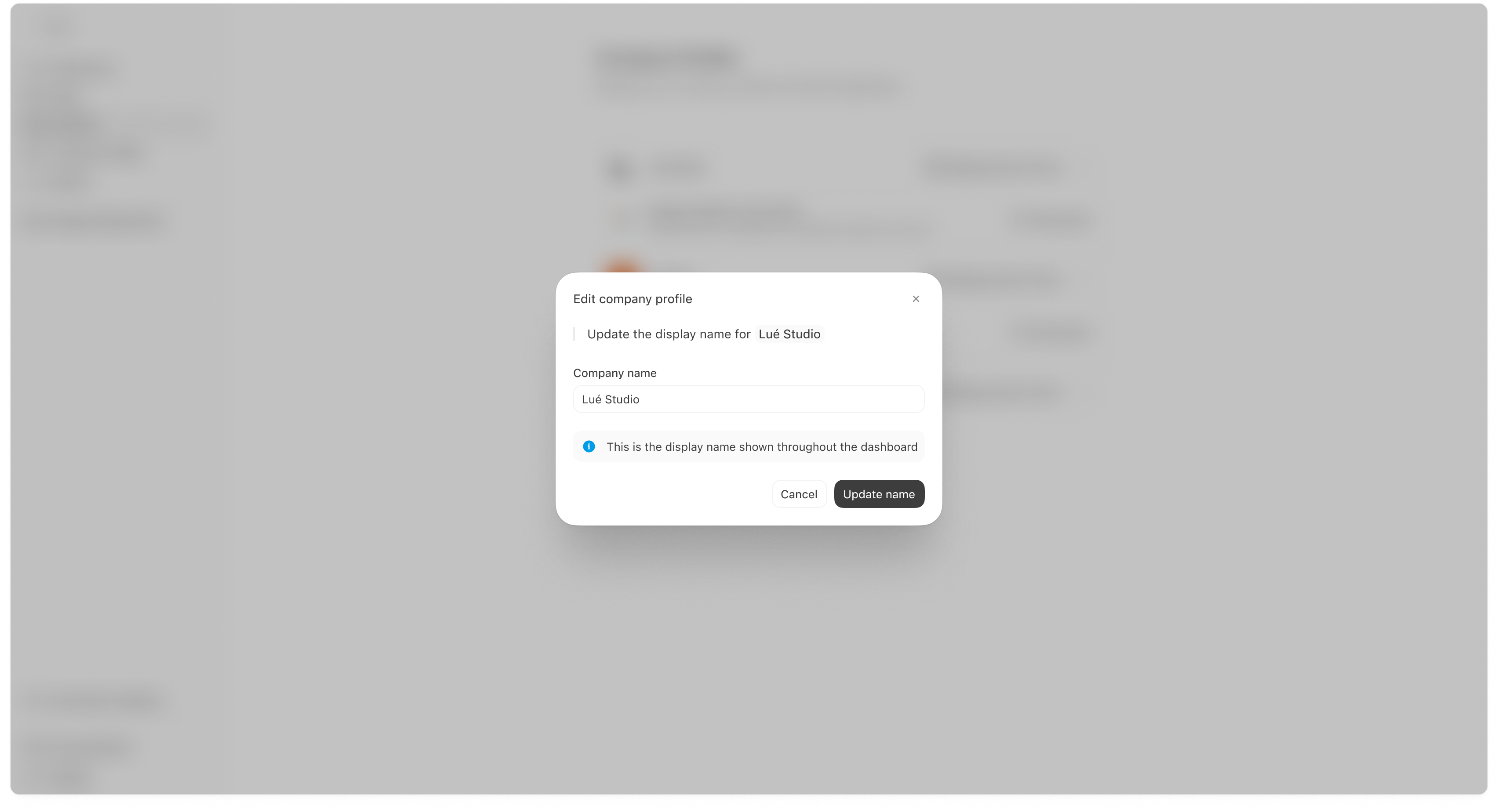
Manage integrations for a profile
Each profile can show connected integrations (for example: Google Analytics connected, Vercel connected). If you open Manage integrations, you’ll see the active integrations for that profile. Typical actions include:- disconnecting an integration for the profile,
- or removing it (depending on your UI and permissions).
Integrations are profile-specific. If you manage multiple profiles, connecting GA for one profile does not automatically connect it for others.
Manage search terms (mention detection)
Click Manage search terms for a profile to open the search terms modal.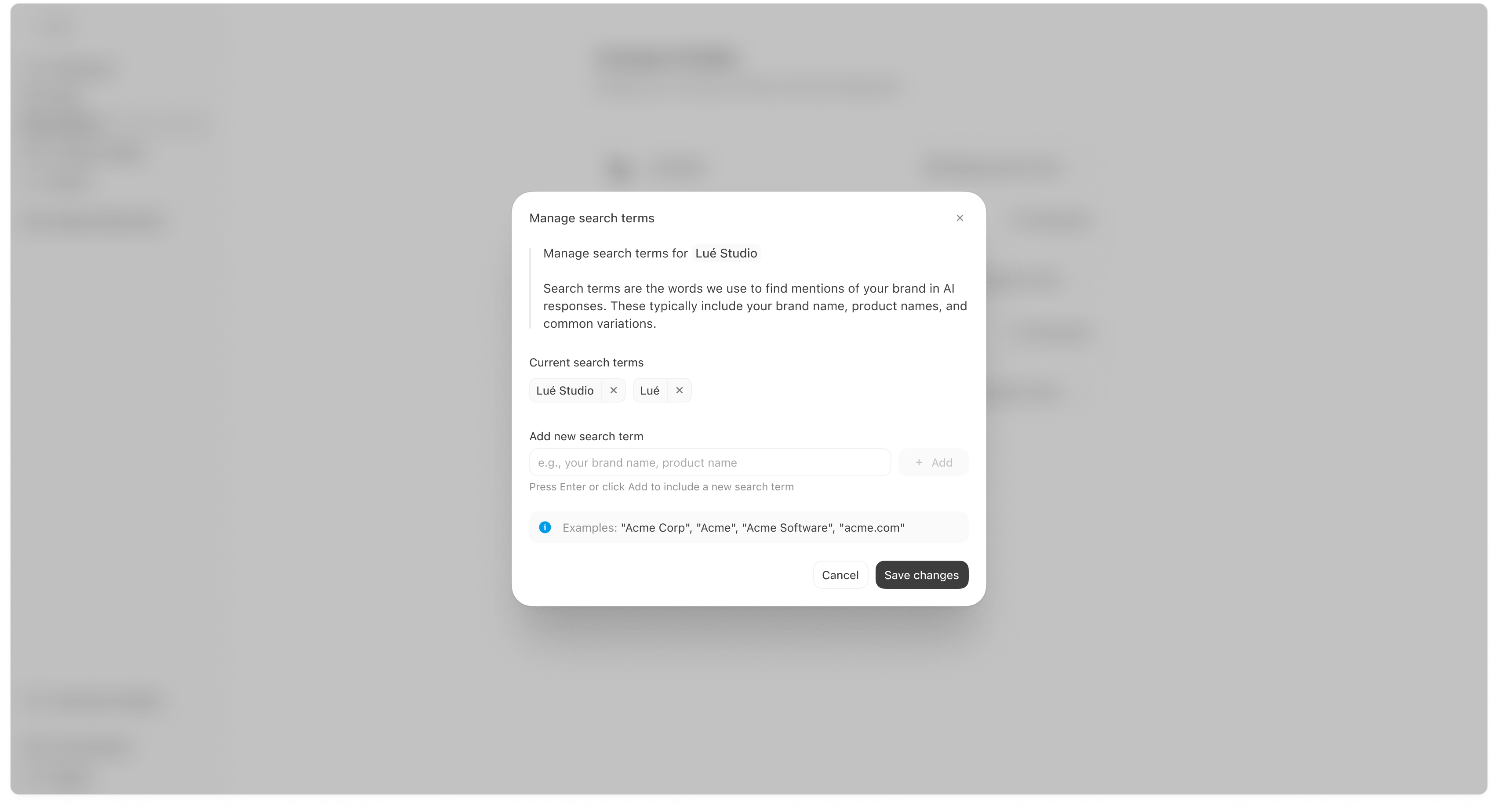
- your brand name,
- product names,
- and common variations or abbreviations.
How to add good search terms
- Include your primary brand name (exact spelling).
- Add common variations users might type (spacing, punctuation, abbreviations).
- Add flagship product names if AI answers often recommend specific products.
- Avoid overly generic terms that could match unrelated content (e.g., “Base” or “Plus” alone).
If your search terms are too narrow, you may miss real mentions. If they are too broad, you may over-count mentions that aren’t actually about your brand.
Disconnect integrations
On the Company Profiles list, you may see integration rows with a Disconnect action. Use this if you want to stop pulling referral/crawler data for that profile.How this connects to the rest of Meridian
- Profile integrations power Website tabs like Referrals (GA) and Crawlers (Vercel).
- Search terms influence mention detection, which impacts metrics like Visibility and Prominence.