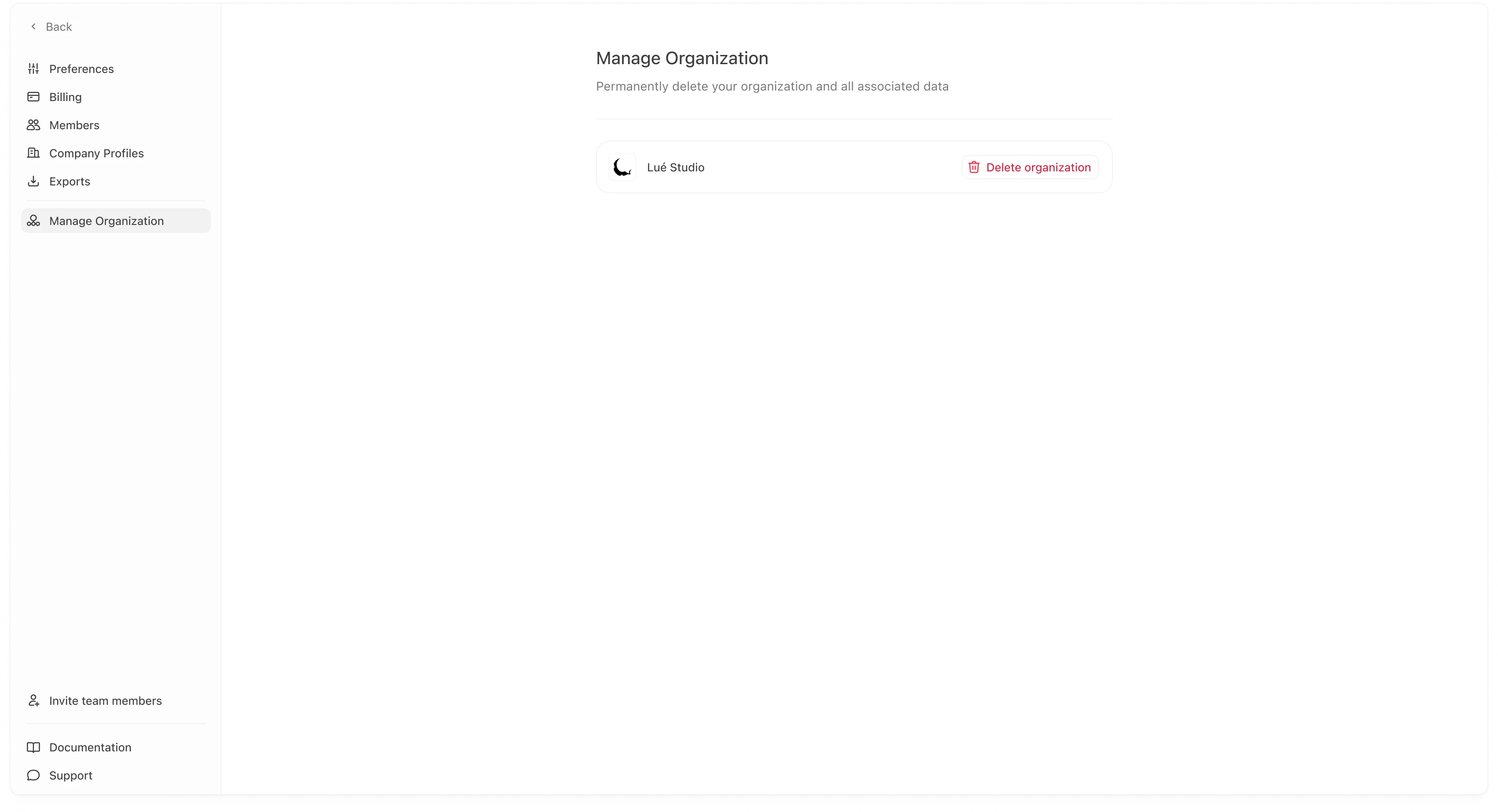
Manage Organization contains destructive organization-level actions. This page is primarily used to delete an organization. This is intended for cases like:
  • you created a workspace by mistake,
  • you are decommissioning a workspace,
  • or you are cleaning up a test environment.
Manage Organization page showing “Delete organization”
Deleting an organization is permanent. It removes the organization and associated data from Meridian servers. Only proceed if you are sure you no longer need the workspace.

Delete organization

To delete an organization:
  1. Go to Settings → Manage Organization.
  2. Click Delete organization.
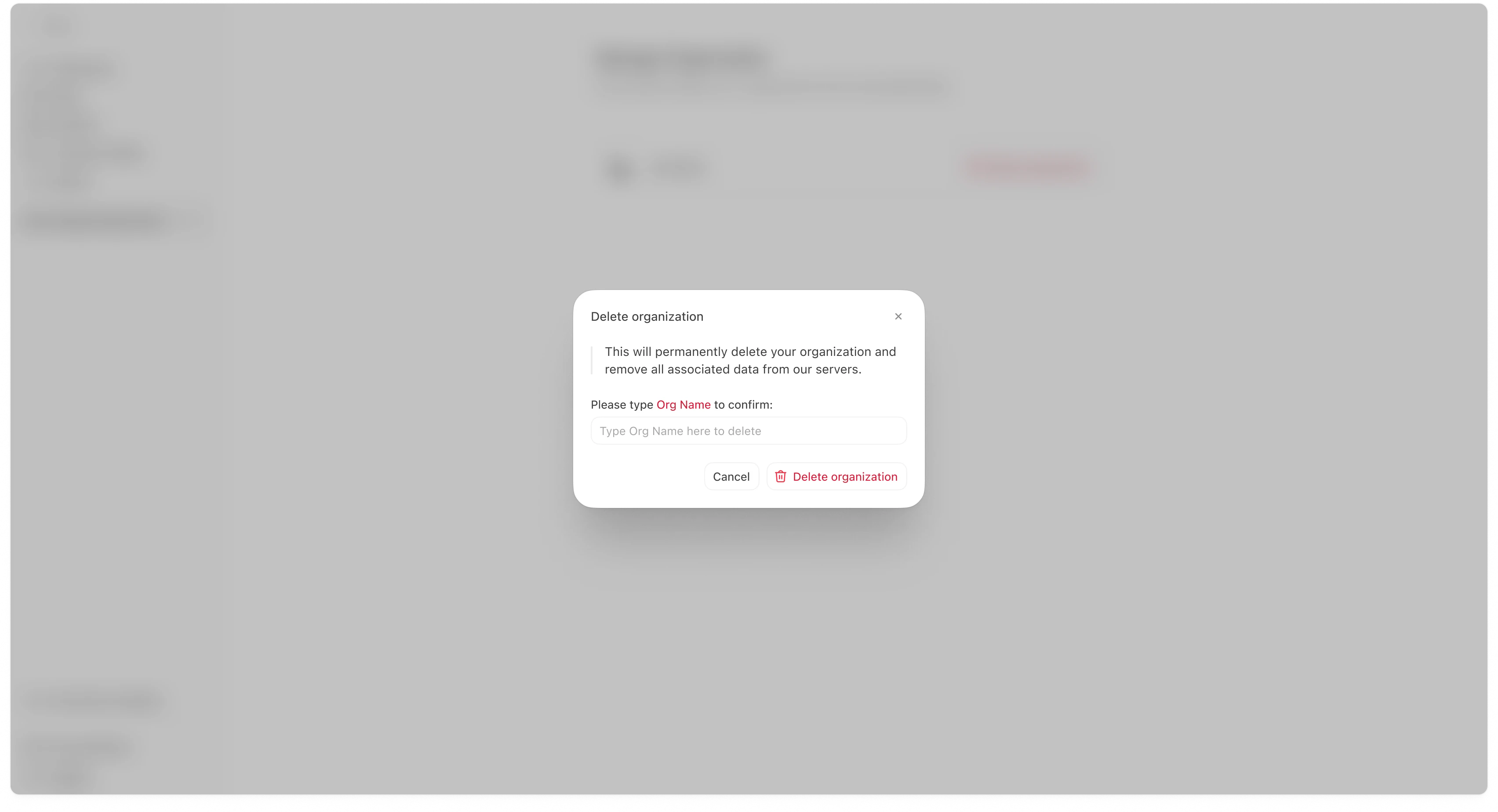
  3. Confirm the action in the modal by typing the organization name (or the required confirmation text).
  4. Click Delete organization to finalize.
Delete organization confirmation modal This confirmation step exists to prevent accidental deletion. Most teams do these checks first:
  • Download any exports you want to keep (Settings → Exports).
  • Confirm which company profiles are in the organization (Settings → Company Profiles).
  • Confirm whether teammates still need access (Settings → Members).
  • If you are migrating to a new org, confirm the new workspace is set up and working before deletion.

Common questions

“Who can delete an organization?”

This is typically restricted to Admins or the highest permission role in the workspace.

“Can Meridian restore a deleted organization?”

Treat this as irreversible unless your contract/support agreement explicitly states otherwise.