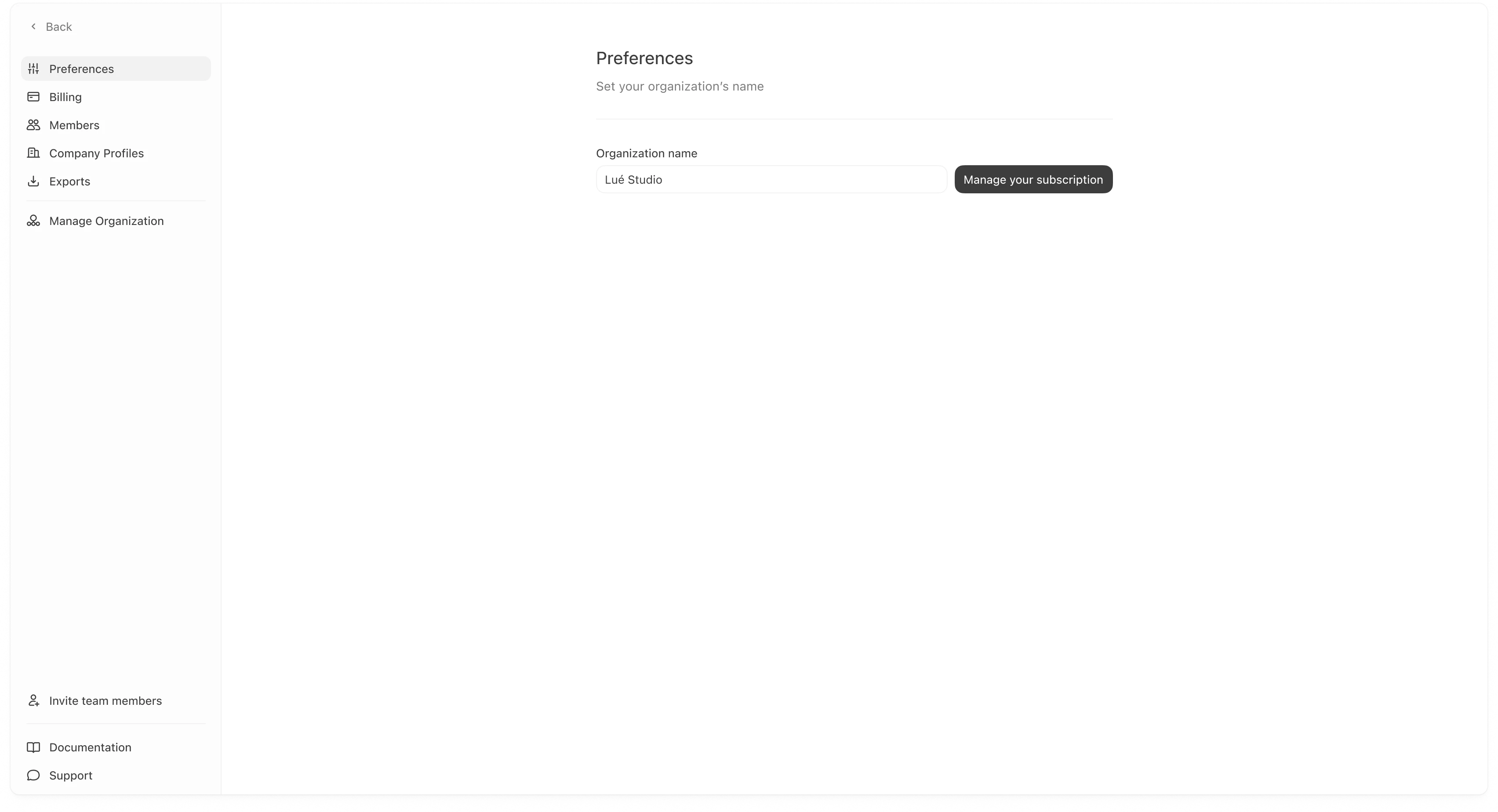
Set your organization name and other workspace-wide defaults.
Preferences is where you manage basic organization-level settings that show up throughout Meridian. Most teams touch this page when they first set up their workspace (naming) and occasionally when ownership or billing changes.
Your organization name is the display name used across the dashboard (for example in headers, settings, and shared views).To update it:
Go to Settings → Preferences.
Edit Organization name.
Save your changes (if a save action is shown in your UI).
If you manage multiple brands inside one organization, your organization name is not the same thing as a “Company Profile.” Company Profiles are configured in Settings → Company Profiles.
If you see a Manage your subscription button, it will take you to your subscription management flow (plan changes, billing owner actions, etc.).If you are on an Enterprise plan, subscription changes may be restricted to specific roles.